Control all your sound devices in one click
Easily switch audio outputs, customize device icons, and star your favorites to switch between them in a single click, control volume. The app is completely free.
Download for macOSWhat Problems Does MySoundIcon Solve?
Multiple USB DACs
"I have two USB DACs always connected: one for speakers and one for headphones. MySoundIcon helps me switch the sound output in one mouse click."
Quick AirPods Switch
"I have AirPods connected to my MacBook and I want to instantly switch the output sound device to them."
Microphone Input & Levels
"I need to easily switch the input microphone and adjust its level without going deep into the macOS System Settings."
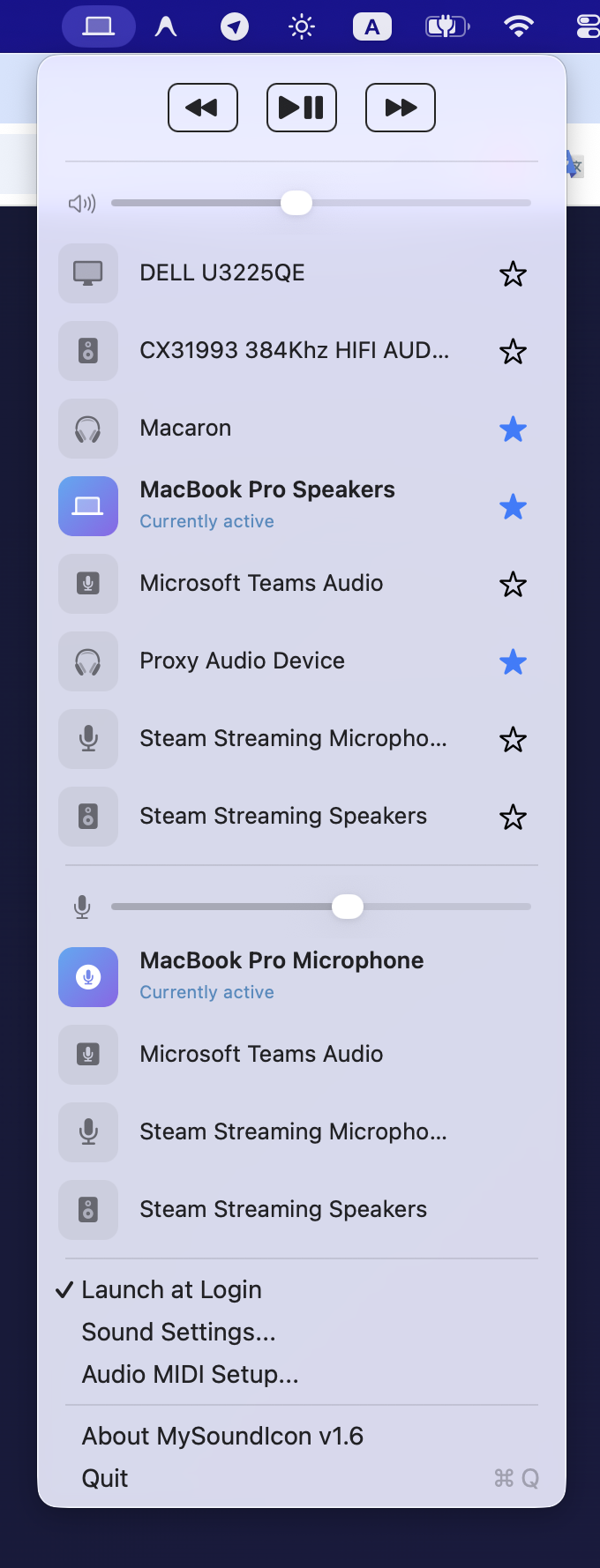
Add to favorite
Quickly switch between your favorite output devices
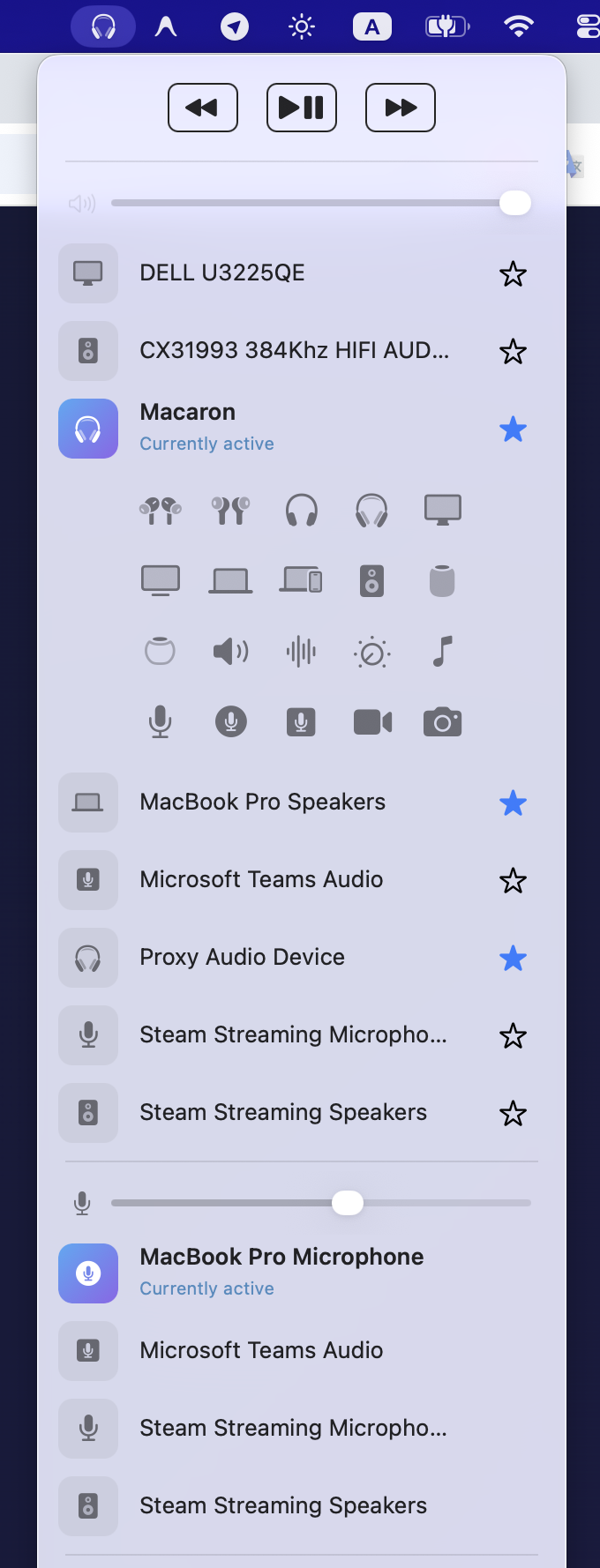
Customizable icon
Choose icon for your output device
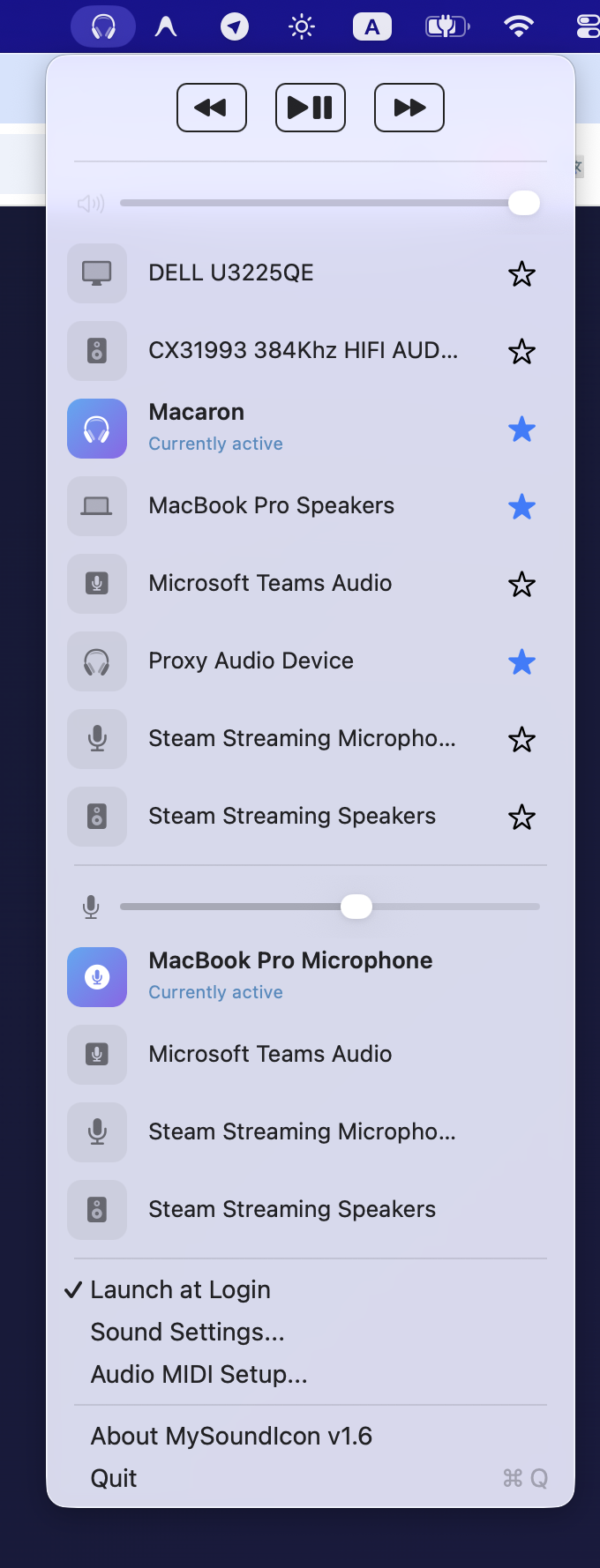
Switch favorites
Quickly switch between your favorite audio devices by right click
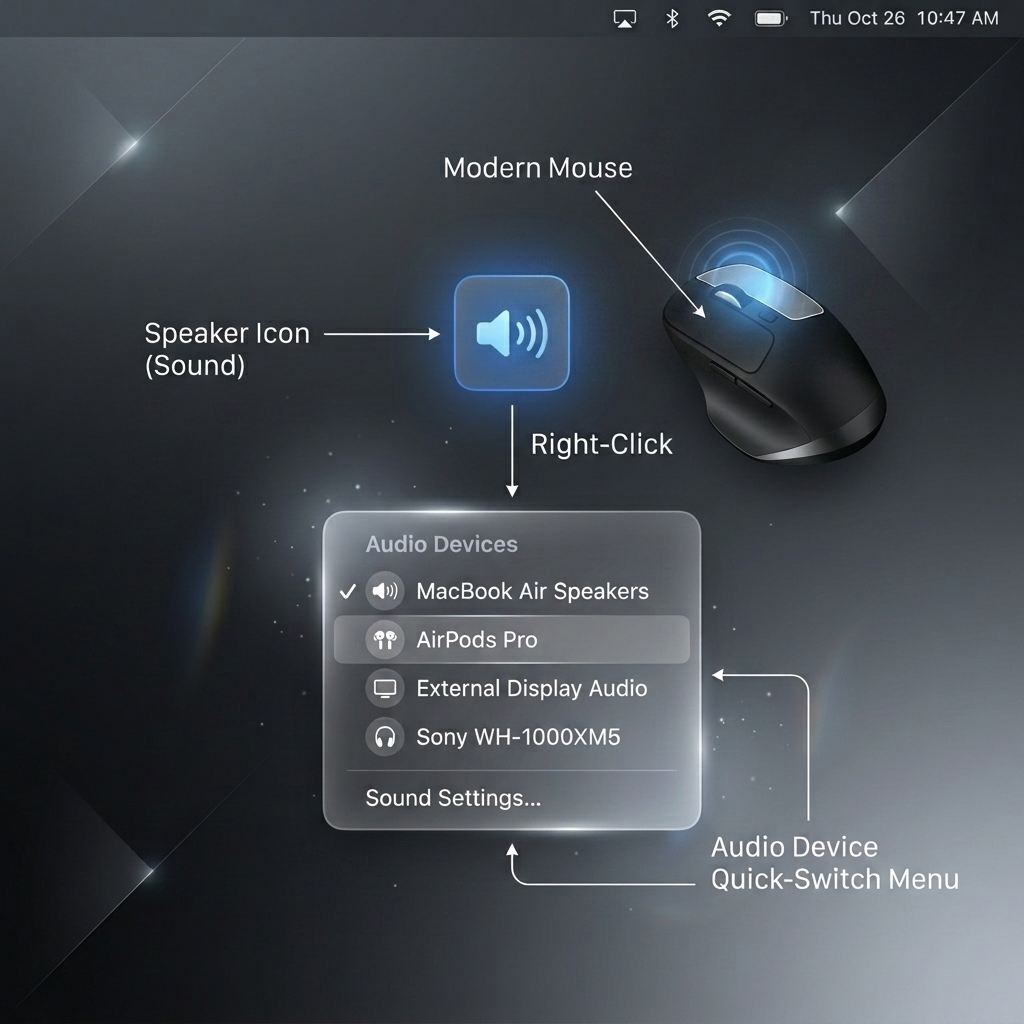
Right Click
Quickly cycle through your starred audio output devices without opening the menu.
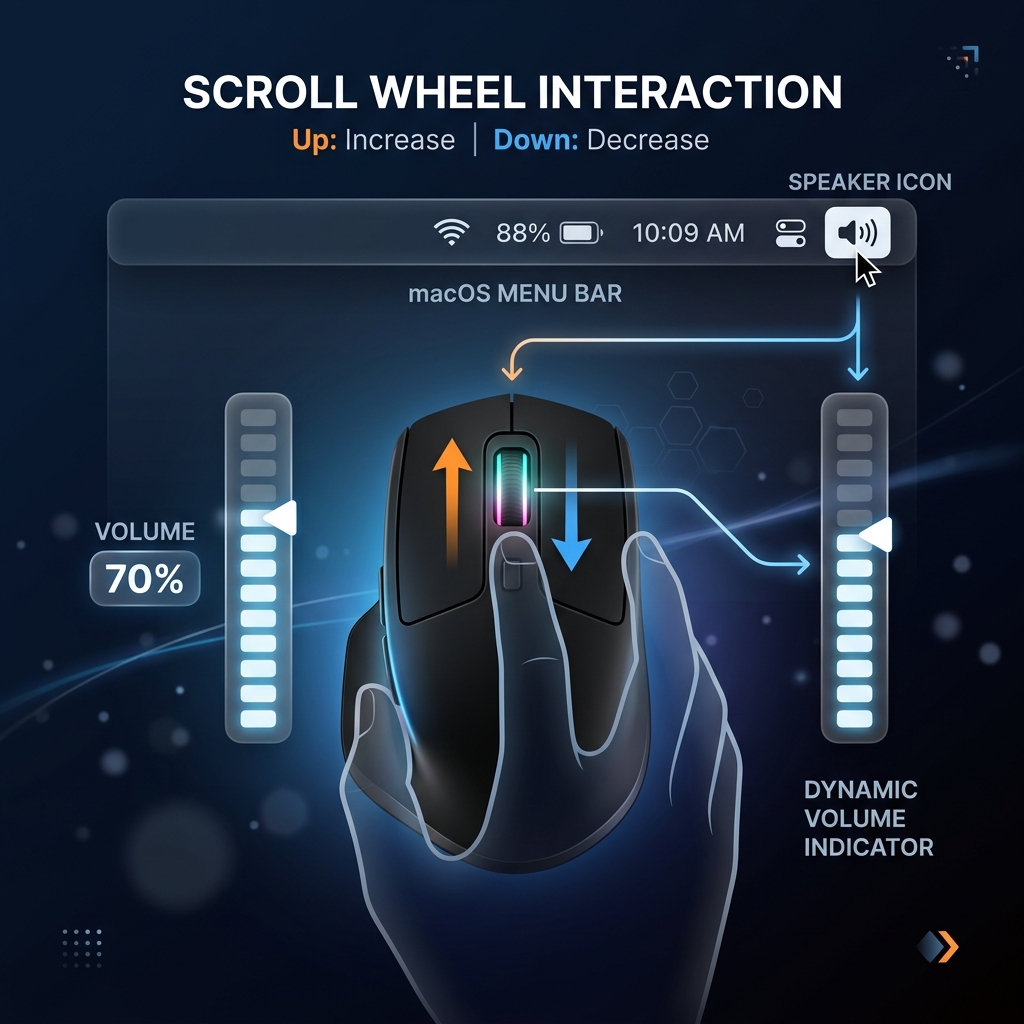
Mouse Wheel
Change volume instantly by scrolling up or down over the menu bar icon.
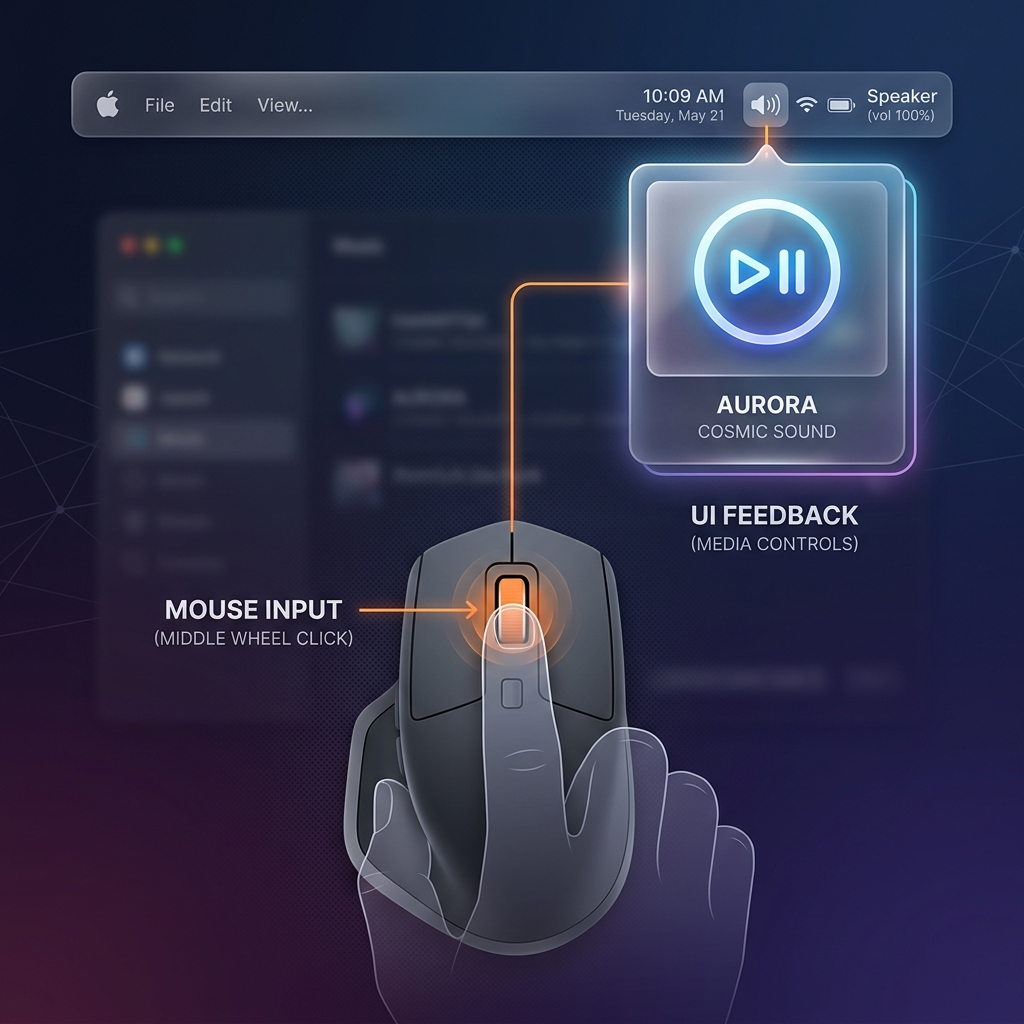
Middle Click
Play or pause your current media with a simple middle click on the menu bar icon.
Smart Quick-Switch
Star your favorite headphones and speakers. Simply right-click the menu bar icon to instantly cycle through them without opening a menu.
Customizable Icons
Assign unique Apple SF Symbols to every audio device you own so you can recognize your active output at a glance.
Built-in Media Controls
Play, pause, and skip tracks seamlessly straight from your menu bar using native macOS media event integration.